
Email deliverability decides whether people ever see your emails. You can write a great message. But if it lands in spam, no one reads it.
Many businesses focus on sending messages as part of their email marketing efforts. However, they tend to overlook what happens after they hit send. They see “sent” and assume “delivered.” Those aren’t the same thing. Here’s how to fix it.
What Email Deliverability Means
- Sent: your email left your server.
- Delivered: the other server accepted it.
- Inbox placement: it reached the main inbox, not spam.
Deliverability covers all three. Inbox placement is the one that matters most.
A great campaign can still fail. If half your emails hit spam, you lose half your reach. That means fewer clicks, fewer sales, and wasted effort.
Why Email Deliverability Drops Over Time
Gmail and Outlook watch how people react to your emails. Good signals build trust. Bad signals hurt it. Common causes:
- Bought or outdated email lists
- Missing authentication records
- Spammy wording and heavy images
- Sudden jumps in sending volume
- Too many spam complaints
- Sending to inactive contacts
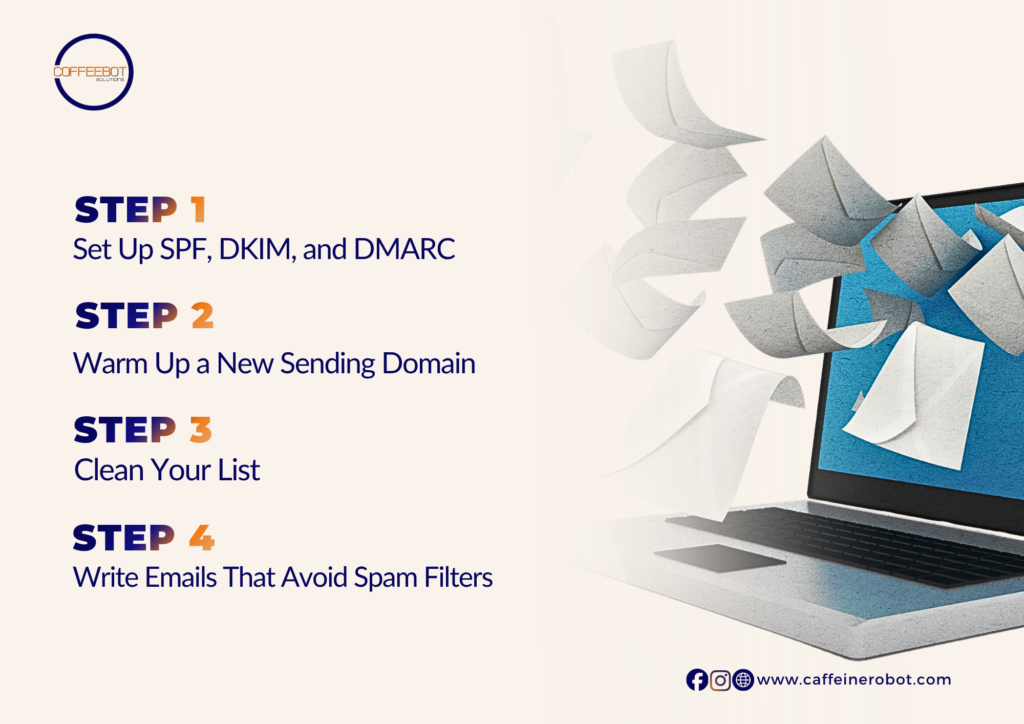
Step 1: Set Up SPF, DKIM, and DMARC
These records prove your emails really come from you. Think of them as ID checks. Without them, inbox providers may treat your emails as fake.
| Record | What it does | In plain English |
| SPF or Sender Policy Framework | Lists servers allowed to send for you | These senders are approved. |
| DKIM or DomainKeys Identified Mail | Adds a digital signature to each email | This message was not changed. |
| DMARC or Domain-based Message Authentication, Reporting, and Conformance | Tells inbox providers what to do if a check fails | Block or flag the fakes. |
Your email tool or web host can help you add them. Start DMARC in monitor mode. Tighten it later.
Step 2: Warm Up a New Sending Domain
A new domain has no reputation. Sending 5,000 emails on day one looks suspicious. Start small:
- Week 1: send 20 to 50 emails a day to engaged contacts
- Week 2: double the volume
- Week 3 and on: grow slowly if results stay healthy
Slow growth builds trust with inbox providers. Pause if bounces or complaints rise.
Step 3: Clean Your List
Bad lists hurt fast. Every bounce and ignored email counts against you.
- Remove hard bounces right away
- Remove contacts who have not opened in six months
- Never buy a list
- Use double opt-in when you can
- Send one re-engagement email before removing anyone
Step 4: Write Emails That Avoid Spam Filters
Filters look at wording and format. Keep it simple.
Do:
- Match your subject line to the content
- Include text, not just images
- Use one main link or button
- Add your business name and address
Avoid:
- ALL CAPS and too many exclamation marks
- Pushy phrases like “act now”
- URL shorteners
- Bulk attachments
Step 5: Make Unsubscribing Easy
Hiding the unsubscribe link backfires. People click “spam” instead. Spam complaints hurt far more than unsubscribes.
- Put the link in a clear, visible spot
- Process requests quickly
- Keep the process to one click
How to Check Your Email Marketing Performance
Track your email marketing performance using these numbers every month:
| Metric | Healthy | Warning sign |
| Bounce rate | Under 2% | Above 5% |
| Spam complaint rate | Under 0.1% | Above 0.3% |
| Unsubscribe rate | Under 0.5% | Sudden spikes |
| Open rate | Steady or rising | Sudden drop |
Open rates are less exact now, so watch the trend. Also run a free inbox placement test. Send to Gmail, Outlook, and Yahoo test accounts. See where each one lands.
Common Mistakes to Avoid
- Sending to your whole list after months of silence
- Switching email tools without warming up again
- Ignoring bounce reports
- Using a free email address, like Gmail, for bulk sends
- Skipping authentication because it looks technical
Quick Recap
- Set up SPF, DKIM, and DMARC
- Warm up new domains slowly
- Keep your list clean
- Write simple, honest emails
- Make it easy to unsubscribe
- Watch your numbers monthly
Good deliverability is not a one-time fix. Small habits, done monthly, keep you in the inbox.
Want It Handled for You?
Deliverability needs steady care. Setup, list cleaning, and monitoring take time. Most owners would rather focus on running the business.
CoffeeBot’s email marketing and outreach team can manage it for you. We set up your records, clean your lists, and track results. You get clear reports and a plan.
Contact us to talk about your email setup.

We redefine digital marketing by delivering customized strategies and innovative campaigns tailored to your business’s unique needs. Our team of skilled digital marketers stays ahead of the curve, utilizing data-driven insights and the latest trends to drive impactful results.